Features
Every feature, on a real screen.
Each clip is a recording of Lykke as a student sees it, on a demo account. Pick a feature, or let them play through.
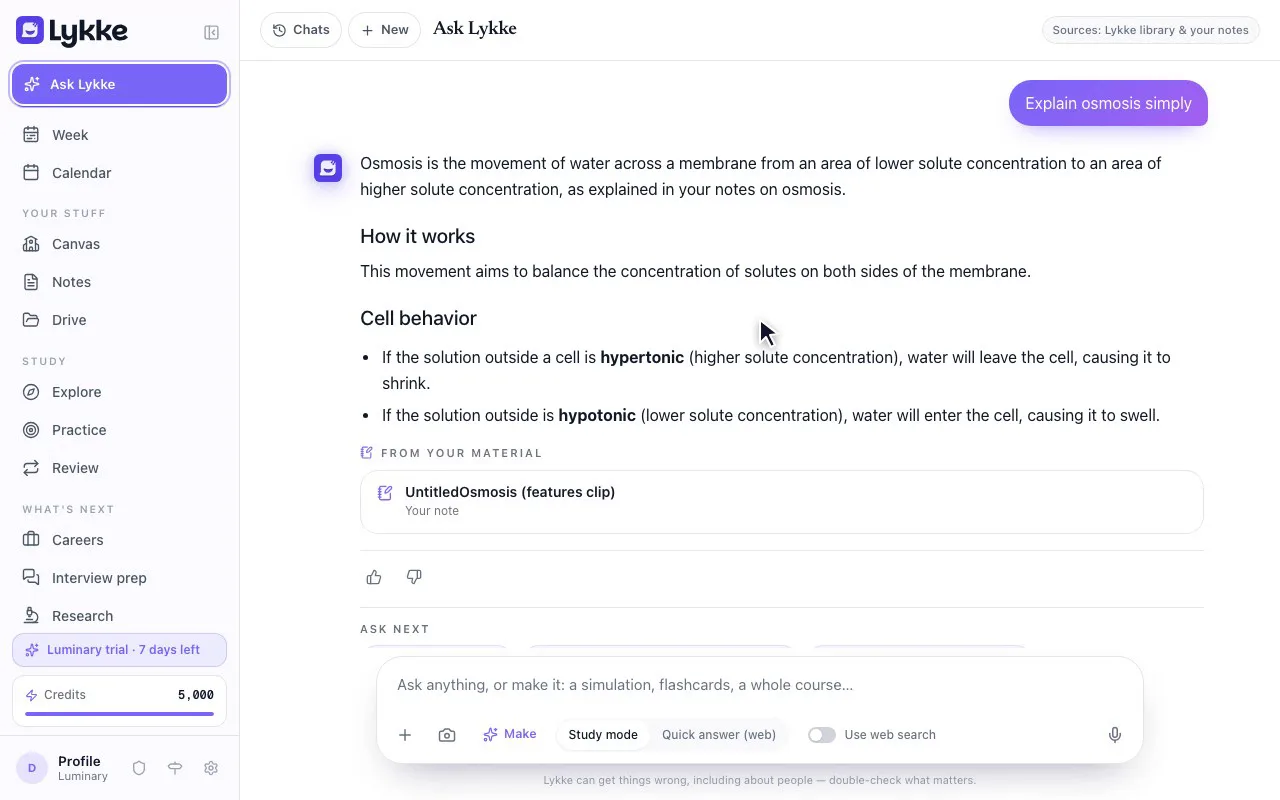
Ask Lykke
Text it like a friend who's already taken the class. Ask a question, paste a problem or send a photo of your notes. Lykke answers from your own material first and makes what you ask for, a quiz, flashcards, a study guide, a mind map or a simulation, right in the chat.
Your class first
Answers from your notes, files and Canvas courses, then the web
Ask your first questionAll features
Everything above, in one list. Free for students; the parts of Lykke that are paid say so.
01
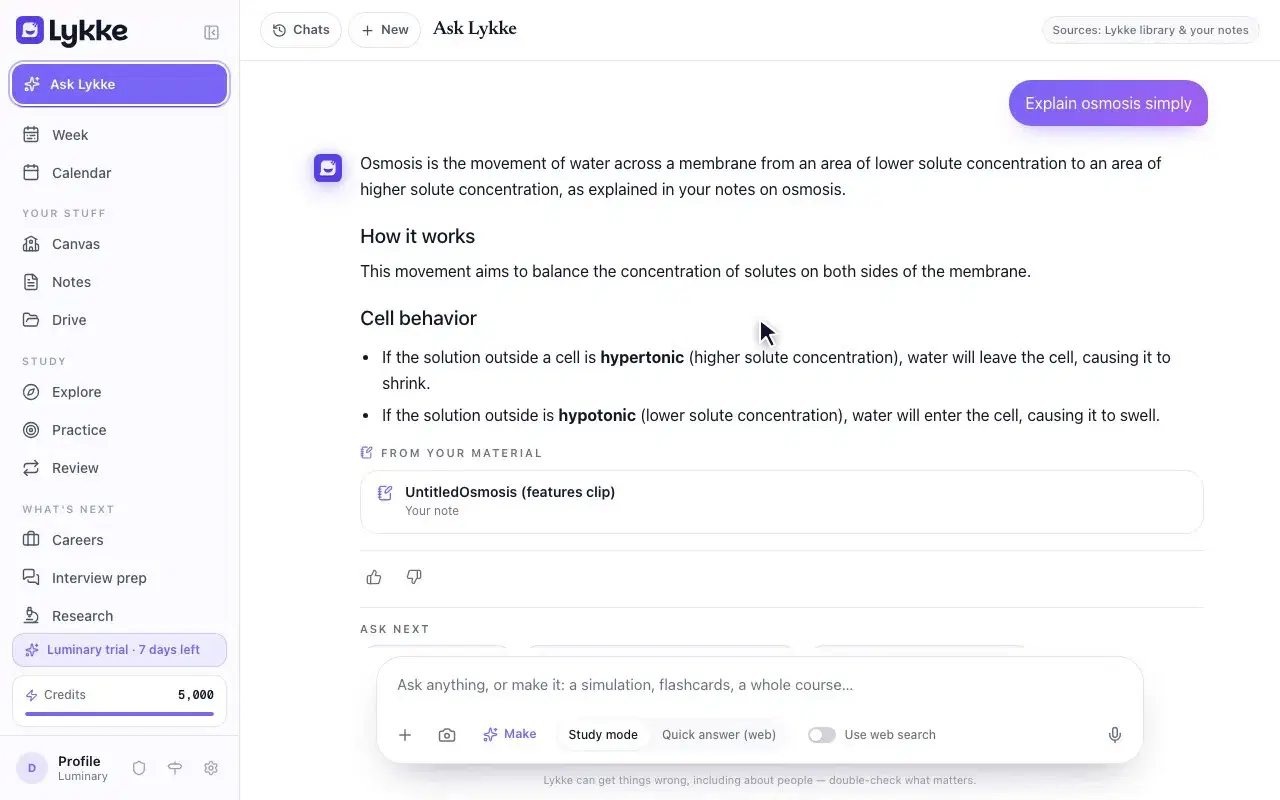
Ask Lykke
Text it like a friend who's already taken the class. Ask a question, paste a problem or send a photo of your notes. Lykke answers from your own material first and makes what you ask for, a quiz, flashcards, a study guide, a mind map or a simulation, right in the chat.
Your class first · Answers from your notes, files and Canvas courses, then the web
Ask your first question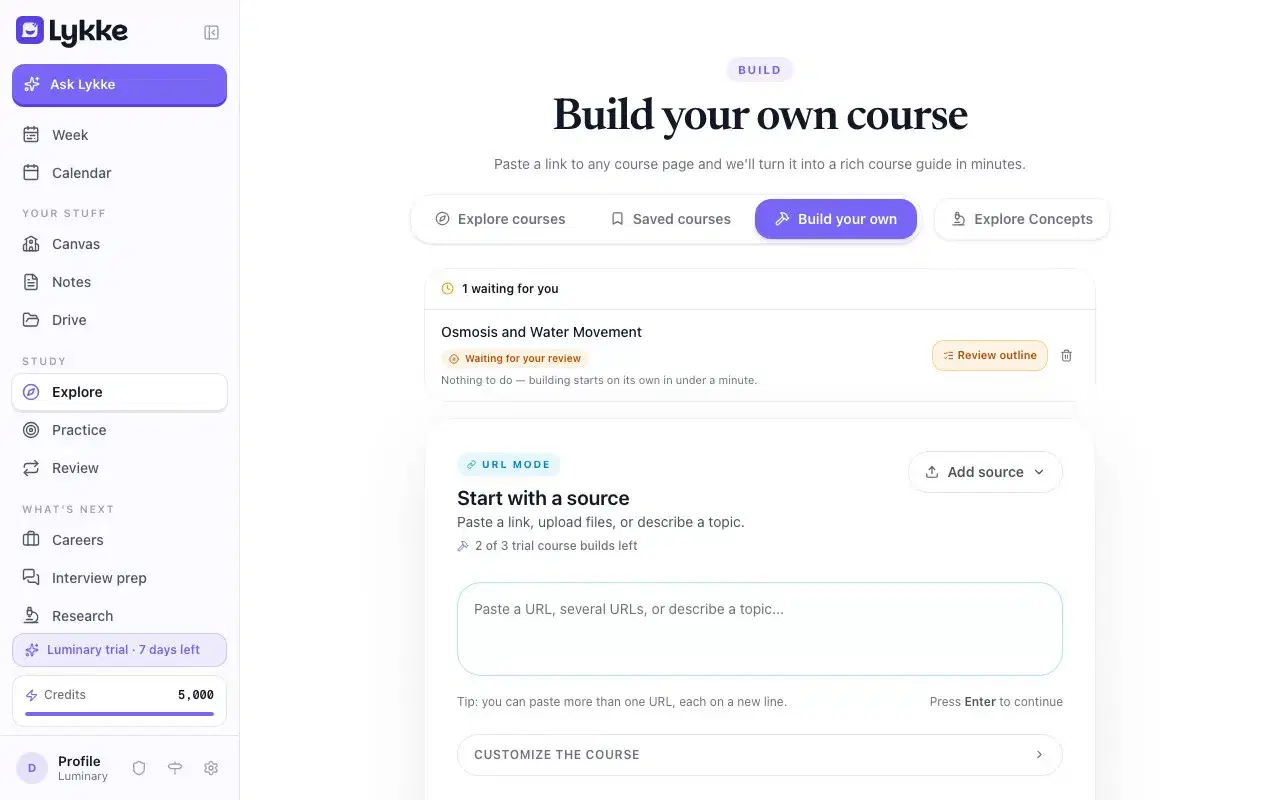
02
A course from your files
Give Lykke links, PDFs or a YouTube video, and paste your syllabus if you want the outline to follow it. Lykke drafts the outline, gives you time to change it, then writes the sections with quizzes and flashcards.
15 min · To change the outline before it builds as planned
Build a course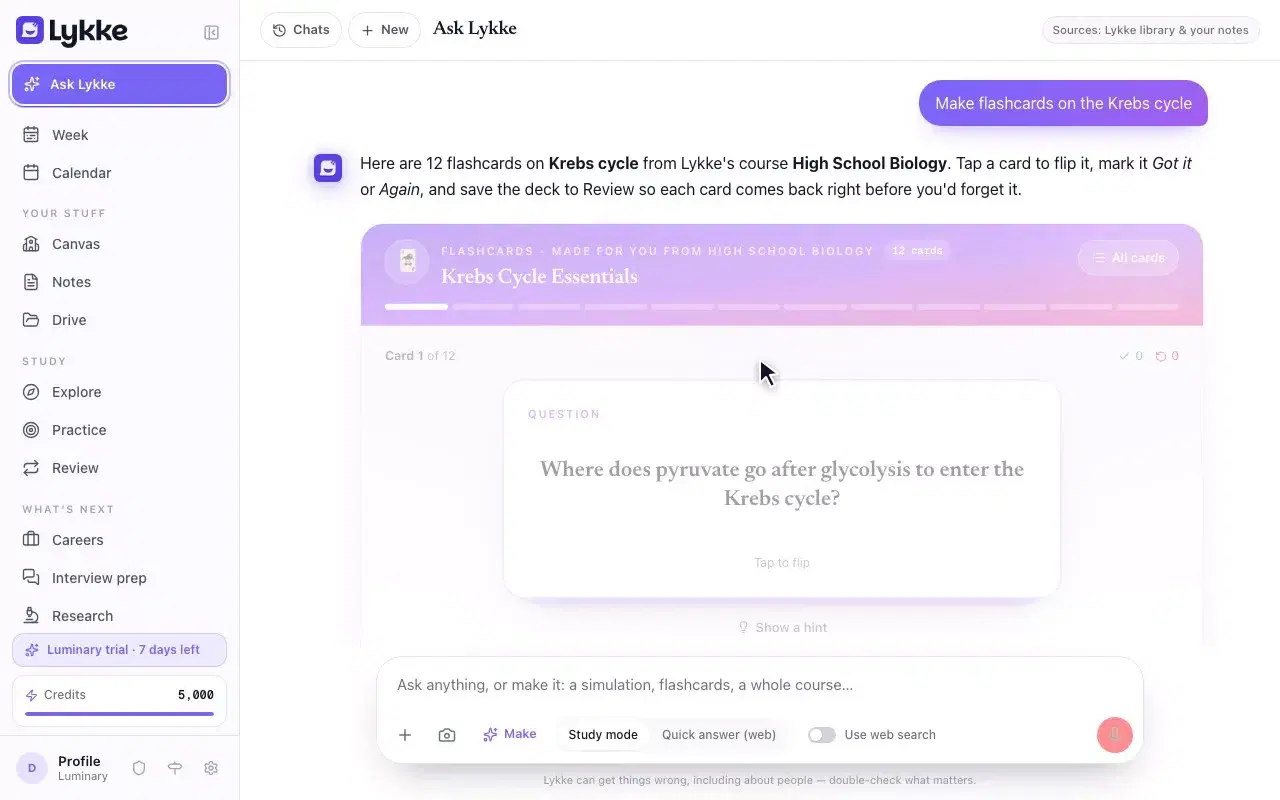
03
Flashcards that come back on time
Say “make flashcards for Friday” and Lykke writes the cards from your material and explains each answer. Save a deck to Review and each card comes back right before you'd forget it.
On time · Each card comes back right before you'd forget it
Make your first deck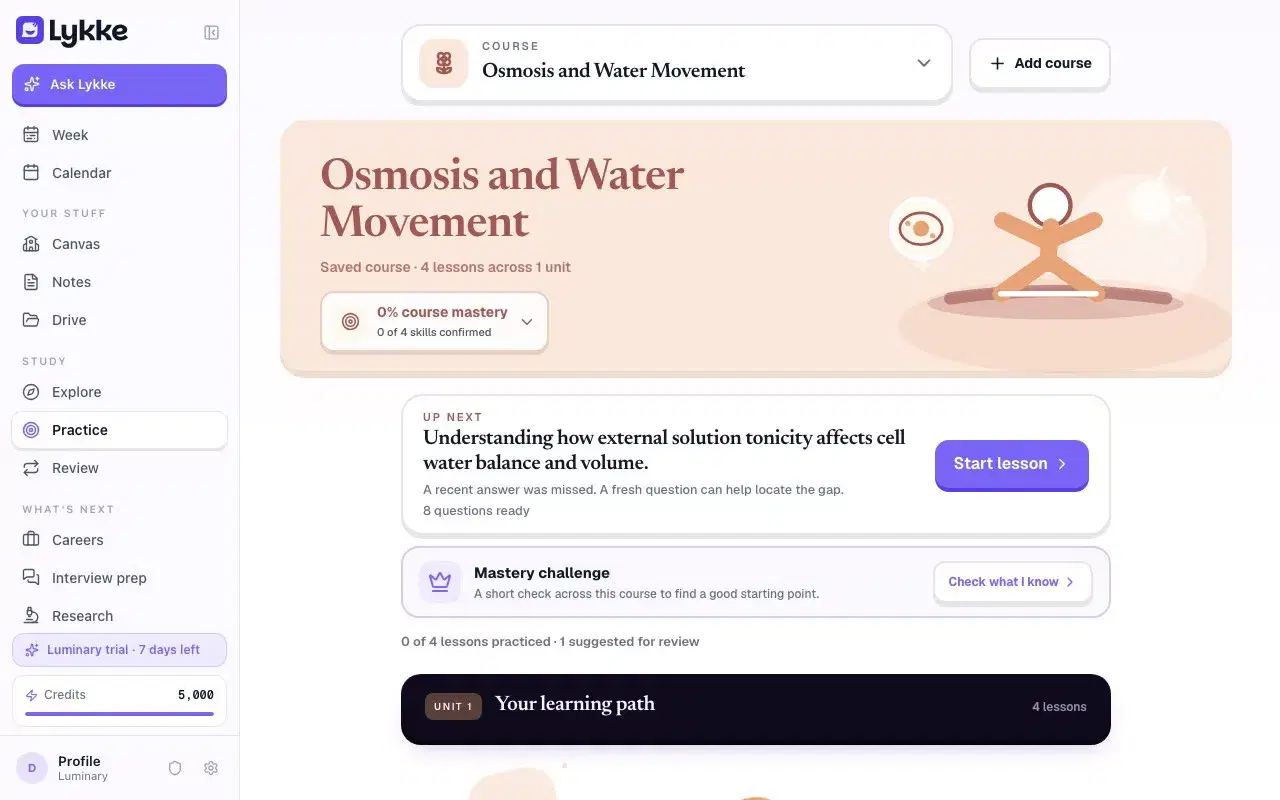
04
The practice path
Open Practice and Lykke picks your next lesson and says why: the section you haven't reached, the quiz you missed, the idea the last one leaned on. Work through it, check your answers, and the path moves on.
Next lesson · Picked for you, with the reason
Open Practice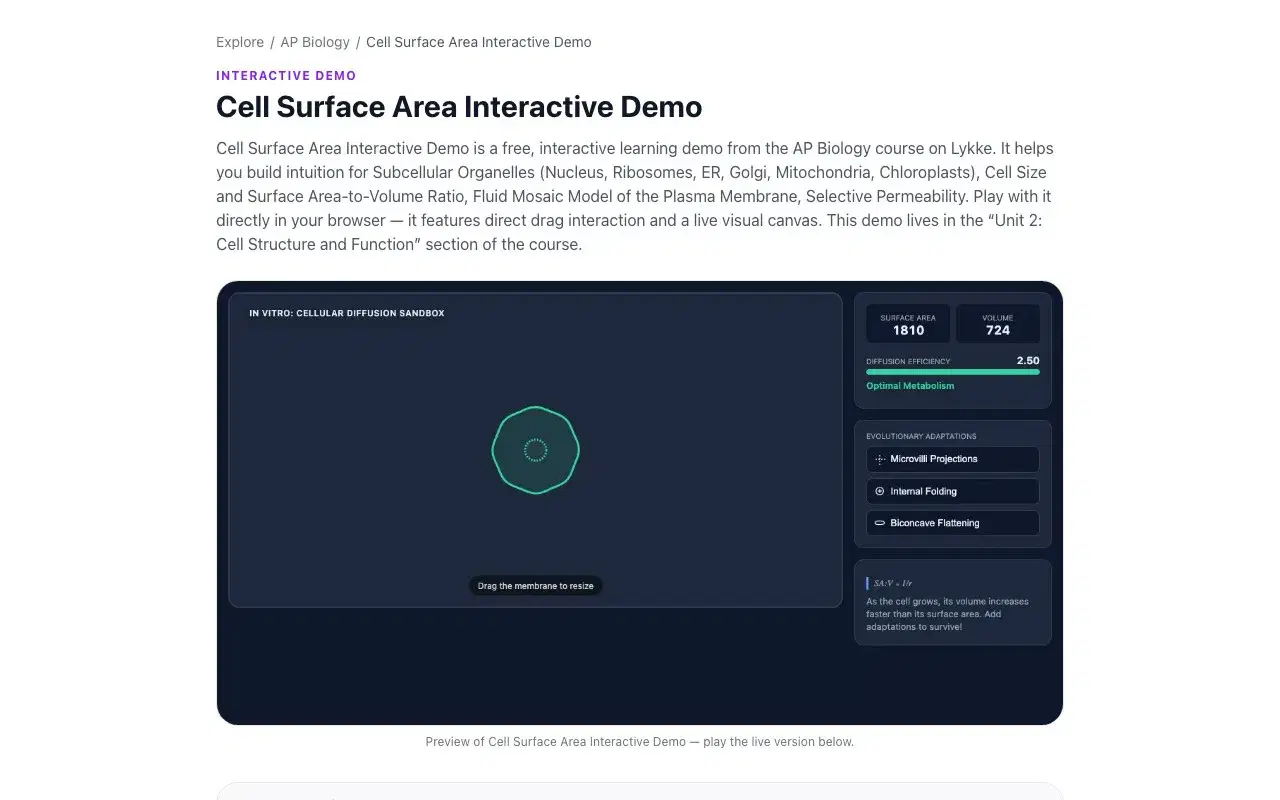
05
Free courses, AP included
Ready-made courses on Explore with simulations you can play with, flashcards and quizzes, AP included. AP Biology, AP Calculus AB, AP Physics 1 and AP Statistics have exam-style free-response questions with model answers.
Free · Simulations, flashcards and quizzes in every course
Explore courses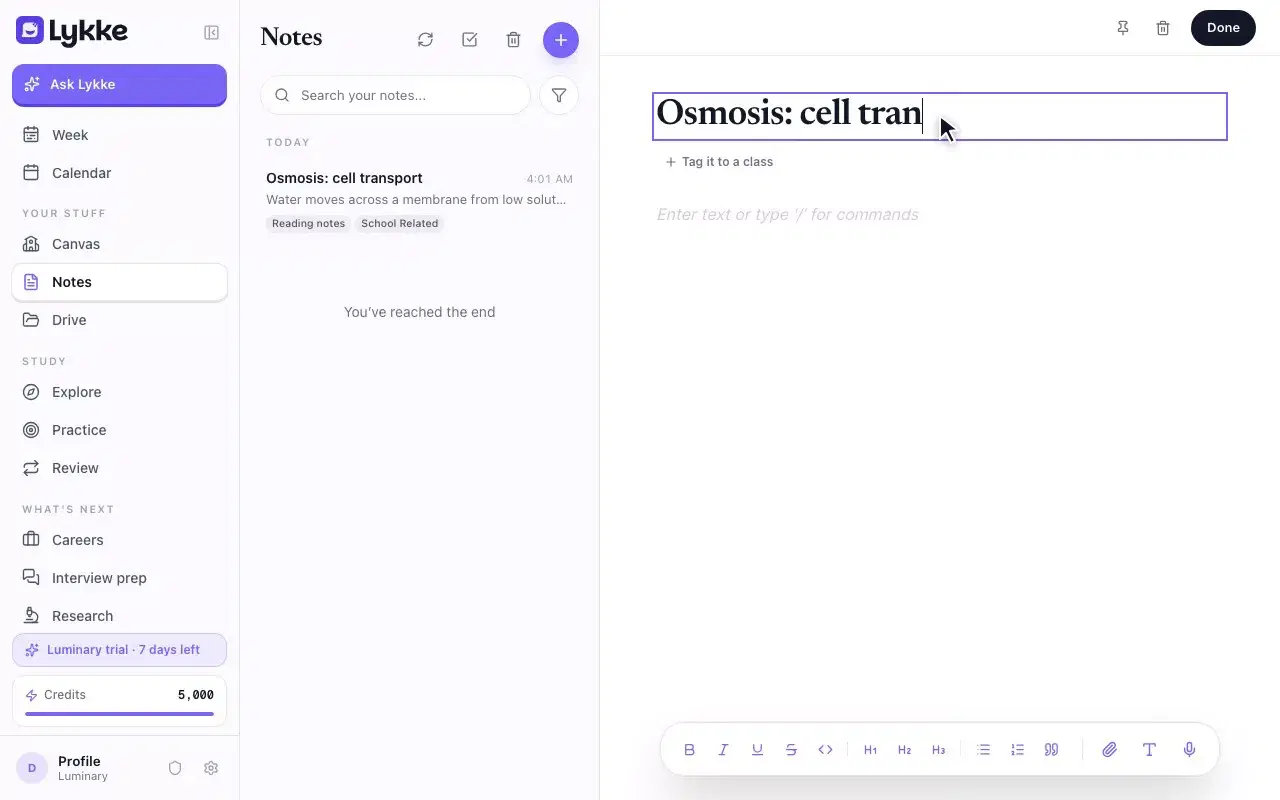
06
Notes and Drive
Type a note, or record a lecture and watch the transcript appear. Your files sit in Drive in class folders, and Canvas files arrive already filed. Ask Lykke answers questions about your own notes.
Filed by class · Notes, recordings and files, in one place
Start a note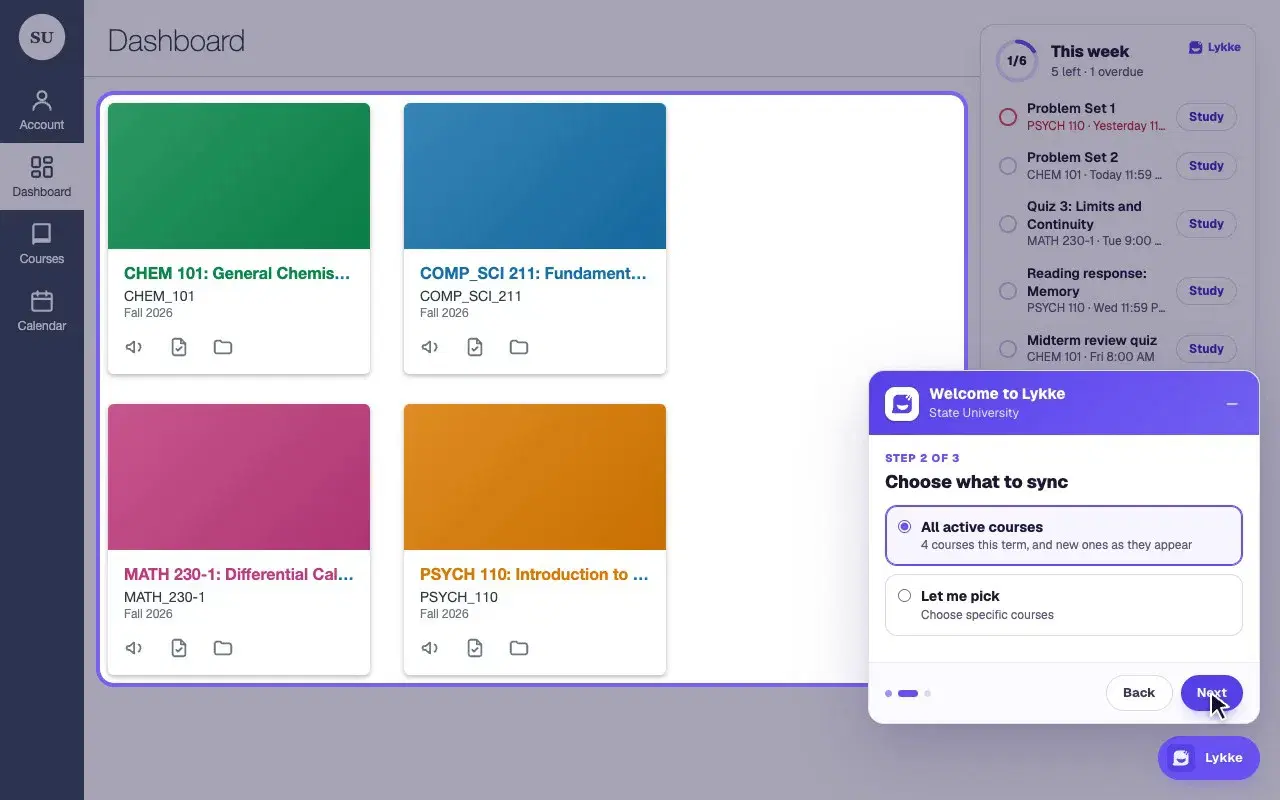
07
Works with Canvas
Add the Lykke Chrome extension and your courses, assignments, files and deadlines come with you. On an assignment or page, press “Study this with Lykke” for a quiz, flashcards, a study guide or a simulation on exactly that page. It only reads Canvas; it never posts or submits anything.
1 click · On any Canvas assignment, page, discussion, quiz or file
About the extension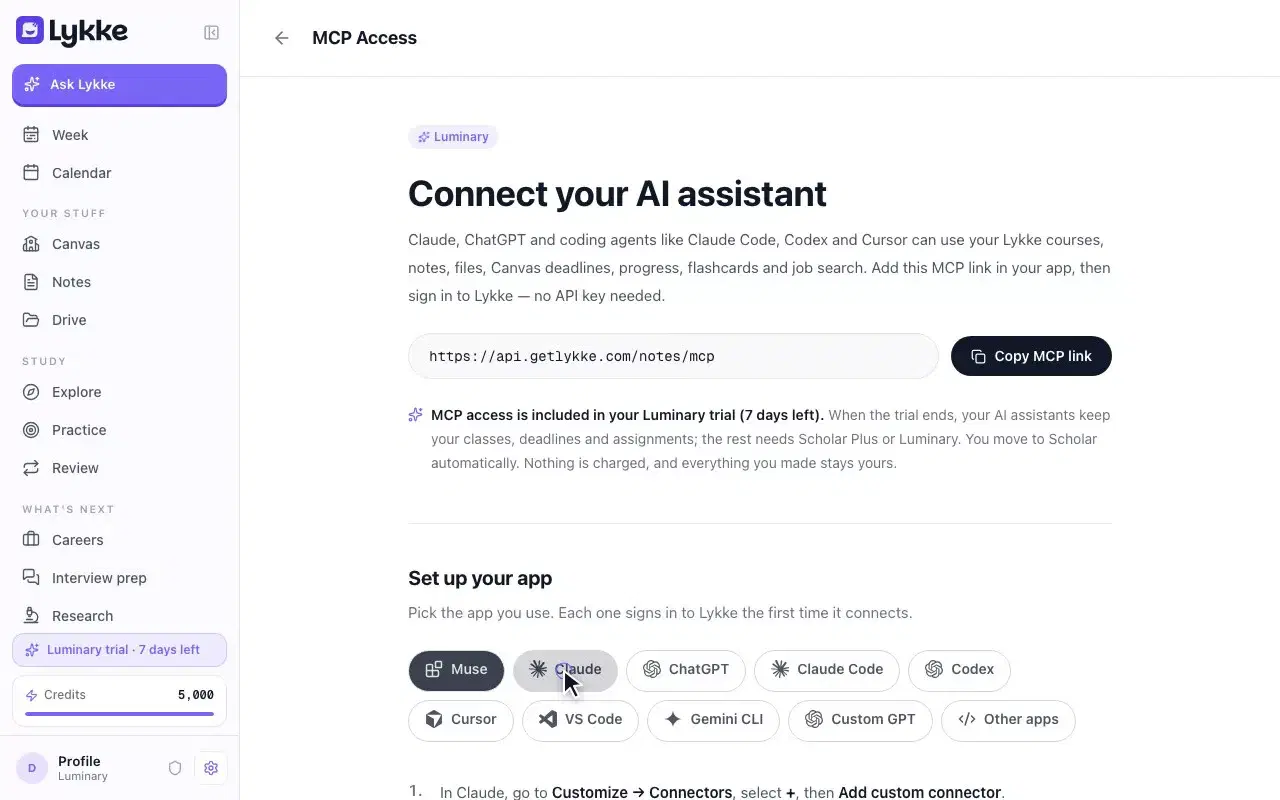
08
Lykke in Meta Muse, ChatGPT and Claude
Connect Lykke to the AI app you already use and ask it what's due, get quizzed on your own courses or plan your week. Any Lykke account can connect, and there's no Canvas API token to create: the extension reads Canvas, and your AI app signs in to Lykke.
No API token · Any Lykke account can connect
Connect your AI app
Every clip shows a demo account. Lykke is an independent service, not affiliated with or endorsed by Instructure, Inc., Meta, OpenAI or Anthropic. Canvas is a trademark of Instructure, Inc.
Lykke — the AI study companion that knows your class
Start studying free