Interactive Demo
Spatial Dynamics Simulator
Spatial Dynamics Simulator is a free, interactive learning demo from the AP Human Geography course on Lykke. It helps you build intuition for Patterns and Spatial Organization (PSO), Impacts and Interactions (IMP), Spatial Processes and Societal Change (SPS), Geographic Skill Categories. Play with it directly in your browser — it features 3 buttons, direct drag interaction and a live visual canvas. Toggle eras to see how technology warps the geography of interaction. This demo lives in the “Course Framework and Geographic Thinking” section of the course.
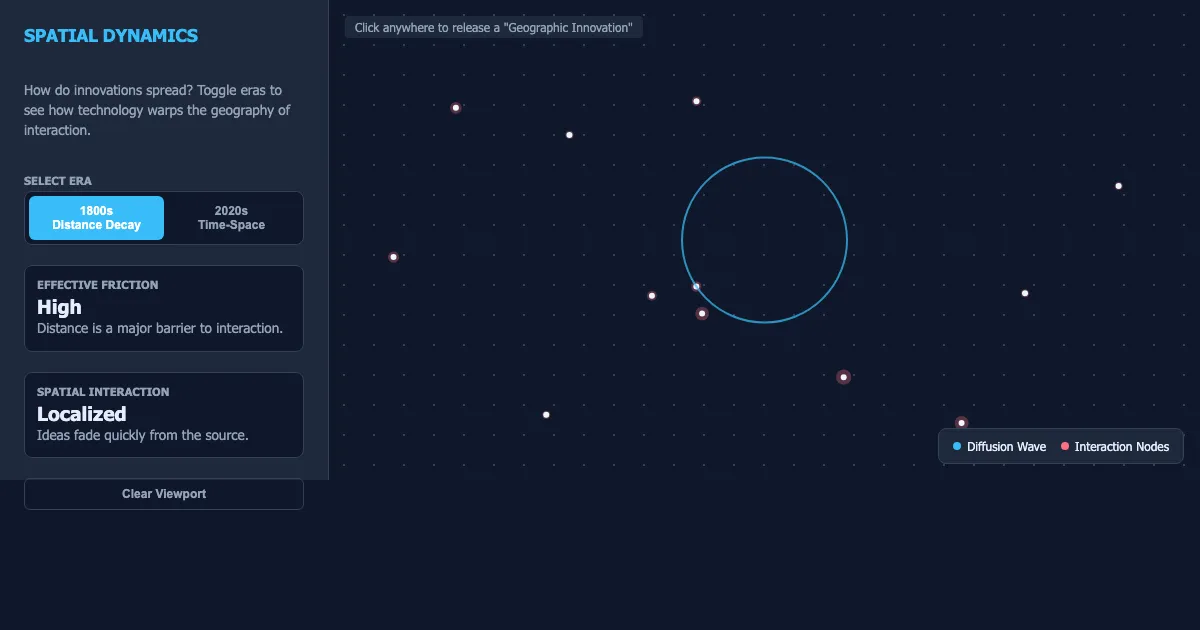
How to use this demo
- Toggle eras to see how technology warps the geography of interaction.
- Select Era 1800s Distance Decay 2020s Time-Space Effective Friction High Distance is a major barrier to interaction.
- Click and drag directly on the canvas to manipulate the scene.
- Use the “1800s Distance Decay”, “2020s Time-Space”, “Clear Viewport” buttons to trigger actions or reset the demo.
- Experiment freely — there's nothing to break, and every change is reversible.
What you'll explore
- Patterns and Spatial Organization (PSO)
- Impacts and Interactions (IMP)
- Spatial Processes and Societal Change (SPS)
- Geographic Skill Categories
- Spatial Analysis
- Geoliteracy
- Scale Analysis
Frequently asked questions
What does the Spatial Dynamics Simulator demo do?
Spatial Interaction Localized Ideas fade quickly from the source. Spatial Dynamics Simulator lets you explore this hands-on instead of only reading about it.
What AP Human Geography concept does Spatial Dynamics Simulator teach?
This section introduces the foundational 'Big Ideas' and skill categories that anchor the AP Human Geography curriculum. Students explore the three core pillars: Patterns and Spatial Organization (PSO), Impacts and Inte… It focuses on Patterns and Spatial Organization (PSO), Impacts and Interactions (IMP), Spatial Processes and Societal Change (SPS), Geographic Skill Categories, Spatial Analysis, Geoliteracy from the “Course Framework and Geographic Thinking” section.
What can I control in Spatial Dynamics Simulator?
You can drag elements directly on the canvas; the “1800s Distance Decay”, “2020s Time-Space”, “Clear Viewport” buttons run actions or reset the demo. Every change updates the visualization in real time, so you can see exactly how each variable affects the outcome.
How does Spatial Dynamics Simulator fit into the AP Human Geography course?
AP Human Geography introduces students to the systematic study of patterns and processes that have shaped human understanding, use, and alteration of Earth's surface. Students employ spatial concepts and landscape analy… This demo is the interactive piece for the “Course Framework and Geographic Thinking” section. Open the full AP Human Geography course wiki at https://www.getlykke.com/explore/public/ap-human-geography-689b4df1-0d85-4ac5-a723-f52936dce101 for notes, flashcards, quizzes and the other demos.
What will I understand better after using Spatial Dynamics Simulator?
You'll build intuition for Patterns and Spatial Organization (PSO), Impacts and Interactions (IMP), Spatial Processes and Societal Change (SPS), Geographic Skill Categories, Spatial Analysis, Geoliteracy — and, crucially, see how they behave when you change the inputs, which is hard to get from a textbook or lecture on AP Human Geography alone.
From the AP Human Geography course
This interactive demo is part of the Course Framework and Geographic Thinking section. Explore the full AP Human Geography course wiki on Lykke — with notes, flashcards, quizzes and more interactive demos.
Open the AP Human Geography course →