Interactive Demo
Memory Alignment Visualizer
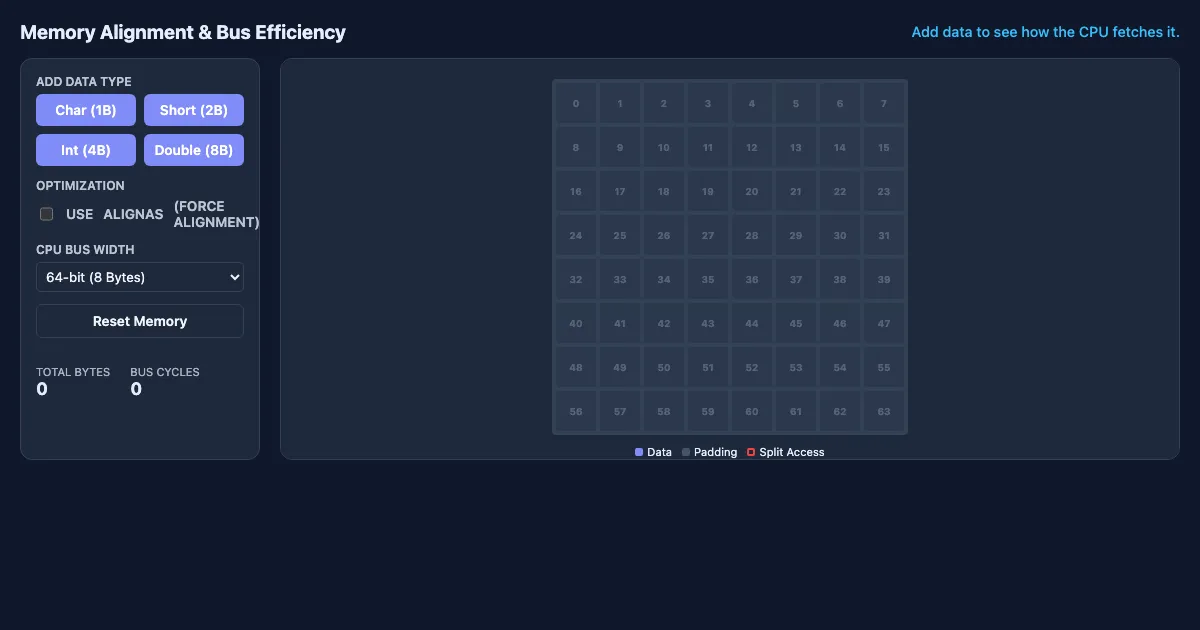
Memory Alignment Visualizer is a free, interactive learning demo from the Introduction to CUDA and Modern C++ Programming course on Lykke. It helps you build intuition for constexpr, alignas / alignof, General Attributes, Strongly Typed Enums. Play with it directly in your browser — it features 1 dropdown, 2 toggles and 5 buttons. This demo lives in the “Performance, Attributes, & Memory Alignment” section of the course.
How to use this demo
- Use the “Char (1B)”, “Short (2B)”, “Int (4B)”, “Double (8B)” buttons to trigger actions or reset the demo.
- Pick an option from the dropdown to switch between scenarios.
- Toggle the checkboxes to show or hide layers and compare cases.
- Experiment freely — there's nothing to break, and every change is reversible.
What you'll explore
- constexpr
- alignas / alignof
- General Attributes
- Strongly Typed Enums
- Explicit Conversion Operators
Frequently asked questions
What does the Memory Alignment Visualizer demo do?
Memory Alignment Visualizer Memory Alignment & Bus Efficiency Add data to see how the CPU fetches it. Memory Alignment Visualizer lets you explore this hands-on instead of only reading about it.
What Introduction to CUDA and Modern C++ Programming concept does Memory Alignment Visualizer teach?
Focuses on language features that provide fine-grained control over hardware behavior, including alignment, constant expressions, and attributes. It focuses on constexpr, alignas / alignof, General Attributes, Strongly Typed Enums, Explicit Conversion Operators from the “Performance, Attributes, & Memory Alignment” section.
What can I control in Memory Alignment Visualizer?
A dropdown switches between scenarios; toggles show or hide layers so you can compare cases; the “Char (1B)”, “Short (2B)”, “Int (4B)”, “Double (8B)” buttons run actions or reset the demo. Every change updates the visualization in real time, so you can see exactly how each variable affects the outcome.
How does Memory Alignment Visualizer fit into the Introduction to CUDA and Modern C++ Programming course?
This course provides a comprehensive introduction to the CUDA parallel computing platform alongside the modern C++ features that underpin high-performance GPU programming. Students will explore the CUDA programming mode… This demo is the interactive piece for the “Performance, Attributes, & Memory Alignment” section. Open the full Introduction to CUDA and Modern C++ Programming course wiki at https://www.getlykke.com/explore/public/introduction-to-cuda-and-modern-c-c35571de-27f0-47c8-91b5-0788fbf6b12f for notes, flashcards, quizzes and the other demos.
What will I understand better after using Memory Alignment Visualizer?
You'll build intuition for constexpr, alignas / alignof, General Attributes, Strongly Typed Enums, Explicit Conversion Operators — and, crucially, see how they behave when you change the inputs, which is hard to get from a textbook or lecture on Introduction to CUDA and Modern C++ Programming alone.
From the Introduction to CUDA and Modern C++ Programming course
This interactive demo is part of the Performance, Attributes, & Memory Alignment section. Explore the full Introduction to CUDA and Modern C++ Programming course wiki on Lykke — with notes, flashcards, quizzes and more interactive demos.
Open the Introduction to CUDA and Modern C++ Programming course →