Interactive Demo
Kinematics: Distance vs. Displacement
Kinematics: Distance vs. Displacement is a free, interactive learning demo from the AP Physics 1 course on Lykke. It helps you build intuition for Scalar vs. Vector Quantities, Position, Velocity, and Acceleration, Kinematic Equations for Constant Acceleration, Motion Graphs (x-t, v-t, a-t). Play with it directly in your browser — it features 1 toggle, 1 button, direct drag interaction and a live visual canvas. This demo lives in the “Unit 1: Kinematics” section of the course.
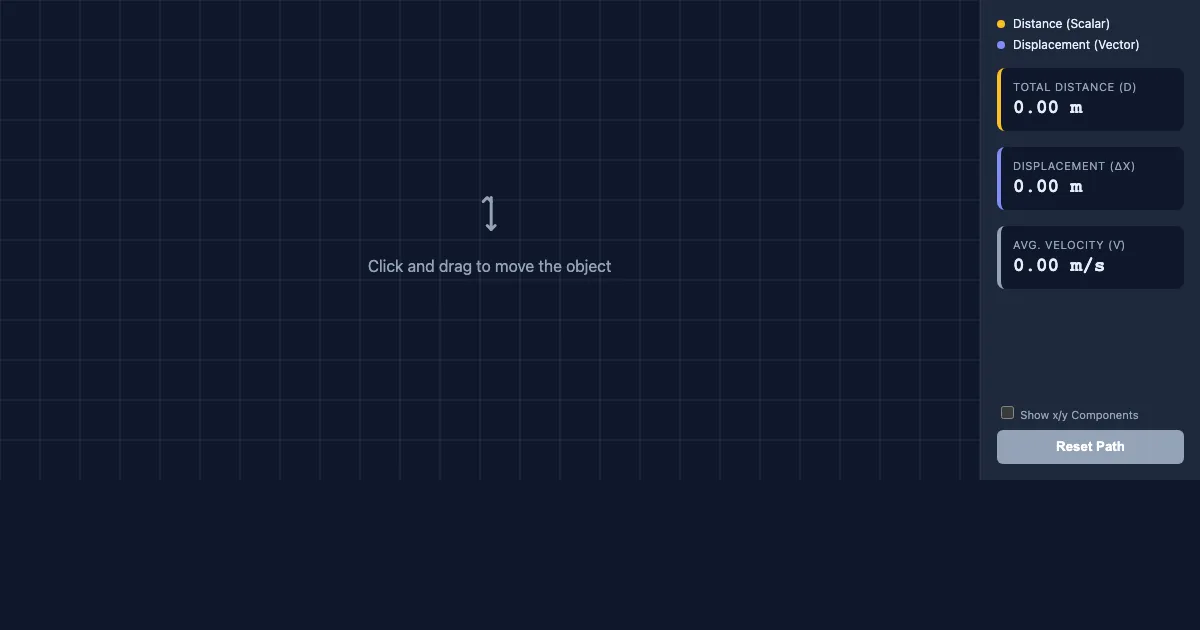
How to use this demo
- Click and drag directly on the canvas to manipulate the scene.
- Use the “Reset Path” button to trigger actions or reset the demo.
- Toggle the checkboxes to show or hide layers and compare cases.
- Experiment freely — there's nothing to break, and every change is reversible.
What you'll explore
- Scalar vs. Vector Quantities
- Position, Velocity, and Acceleration
- Kinematic Equations for Constant Acceleration
- Motion Graphs (x-t, v-t, a-t)
- Projectile Motion
- Relative Motion
Frequently asked questions
What does the Kinematics: Distance vs. Displacement demo do?
Kinematics is the study of motion without regard to its causes. This unit covers the motion of objects in one and two dimensions, utilizing graphs and equations to describe position, velocity, and acceleration. Kinematics: Distance vs. Displacement turns that idea into something you can manipulate directly and watch respond.
What AP Physics 1 concept does Kinematics: Distance vs. Displacement teach?
Kinematics is the study of motion without regard to its causes. This unit covers the motion of objects in one and two dimensions, utilizing graphs and equations to describe position, velocity, and acceleration. It focuses on Scalar vs. Vector Quantities, Position, Velocity, and Acceleration, Kinematic Equations for Constant Acceleration, Motion Graphs (x-t, v-t, a-t), Projectile Motion, Relative Motion from the “Unit 1: Kinematics” section.
What can I control in Kinematics: Distance vs. Displacement?
You can drag elements directly on the canvas; toggles show or hide layers so you can compare cases; the “Reset Path” button run actions or reset the demo. Every change updates the visualization in real time, so you can see exactly how each variable affects the outcome.
How does Kinematics: Distance vs. Displacement fit into the AP Physics 1 course?
AP Physics 1 is an algebra-based, introductory college-level physics course that explores the fundamental principles of motion, force, and energy. Students develop a deep understanding of physics through inquiry-based i… This demo is the interactive piece for the “Unit 1: Kinematics” section. Open the full AP Physics 1 course wiki at https://www.getlykke.com/explore/public/ap-physics-1-e5a379b9-a3e5-451c-b409-f72cb259d0e4 for notes, flashcards, quizzes and the other demos.
What will I understand better after using Kinematics: Distance vs. Displacement?
You'll build intuition for Scalar vs. Vector Quantities, Position, Velocity, and Acceleration, Kinematic Equations for Constant Acceleration, Motion Graphs (x-t, v-t, a-t), Projectile Motion, Relative Motion — and, crucially, see how they behave when you change the inputs, which is hard to get from a textbook or lecture on AP Physics 1 alone.
From the AP Physics 1 course
This interactive demo is part of the Unit 1: Kinematics section. Explore the full AP Physics 1 course wiki on Lykke — with notes, flashcards, quizzes and more interactive demos.
Open the AP Physics 1 course →